Sensor and system services

We've just merged a pull request introducing 10 new device and platform services to the Flet SDK, significantly expanding access to hardware sensors and system capabilities.
New sensor services
- Accelerometer – Reads raw acceleration along the X, Y, and Z axes, including gravity.
- Barometer – Provides atmospheric pressure readings useful for altitude estimation.
- Gyroscope – Measures device rotation around each axis.
- Magnetometer – Detects magnetic field strength, commonly used for compass functionality.
- UserAccelerometer – Reports acceleration data with gravity filtered out for cleaner motion detection.
New system services
- Battery – Monitors battery level, charging state, and power source changes.
- Connectivity – Detects network status and connection type (Wi-Fi, mobile, offline).
- ScreenBrightness – Allows reading and adjusting the device screen brightness.
- Share – Invokes the system share sheet to share text, files, or URLs.
- Wakelock – Prevents the device screen from dimming or sleeping while active.
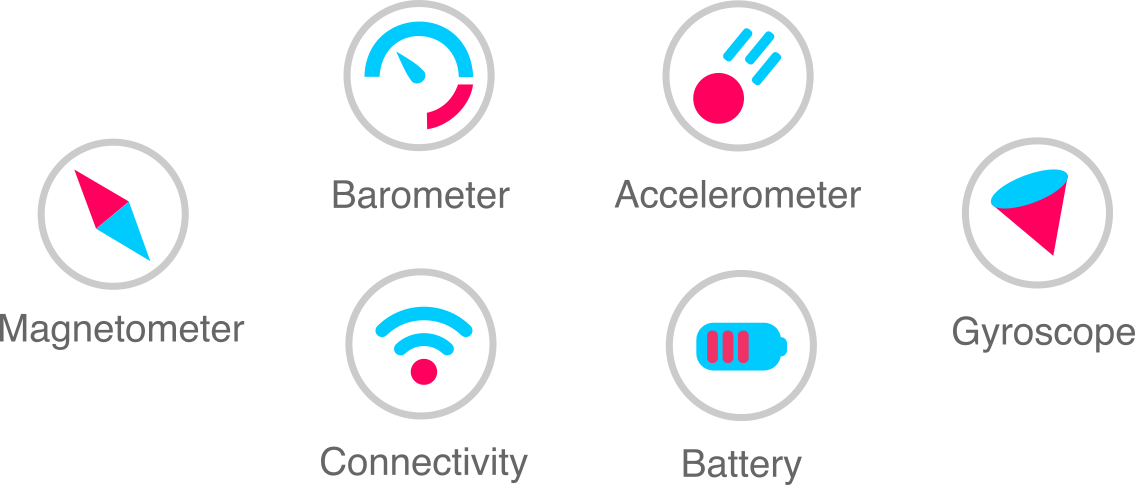
Sensor services mostly work on iOS and Android devices. Using them in a web app is also possible to some extent, but only under specific browser and hardware conditions.
System services are supported on all mobile and desktop platforms.
How to test
Install the latest Flet 0.70.0.devXYZ pre-release.
Use the flet debug command to run your app on a real iOS/Android device or emulator.
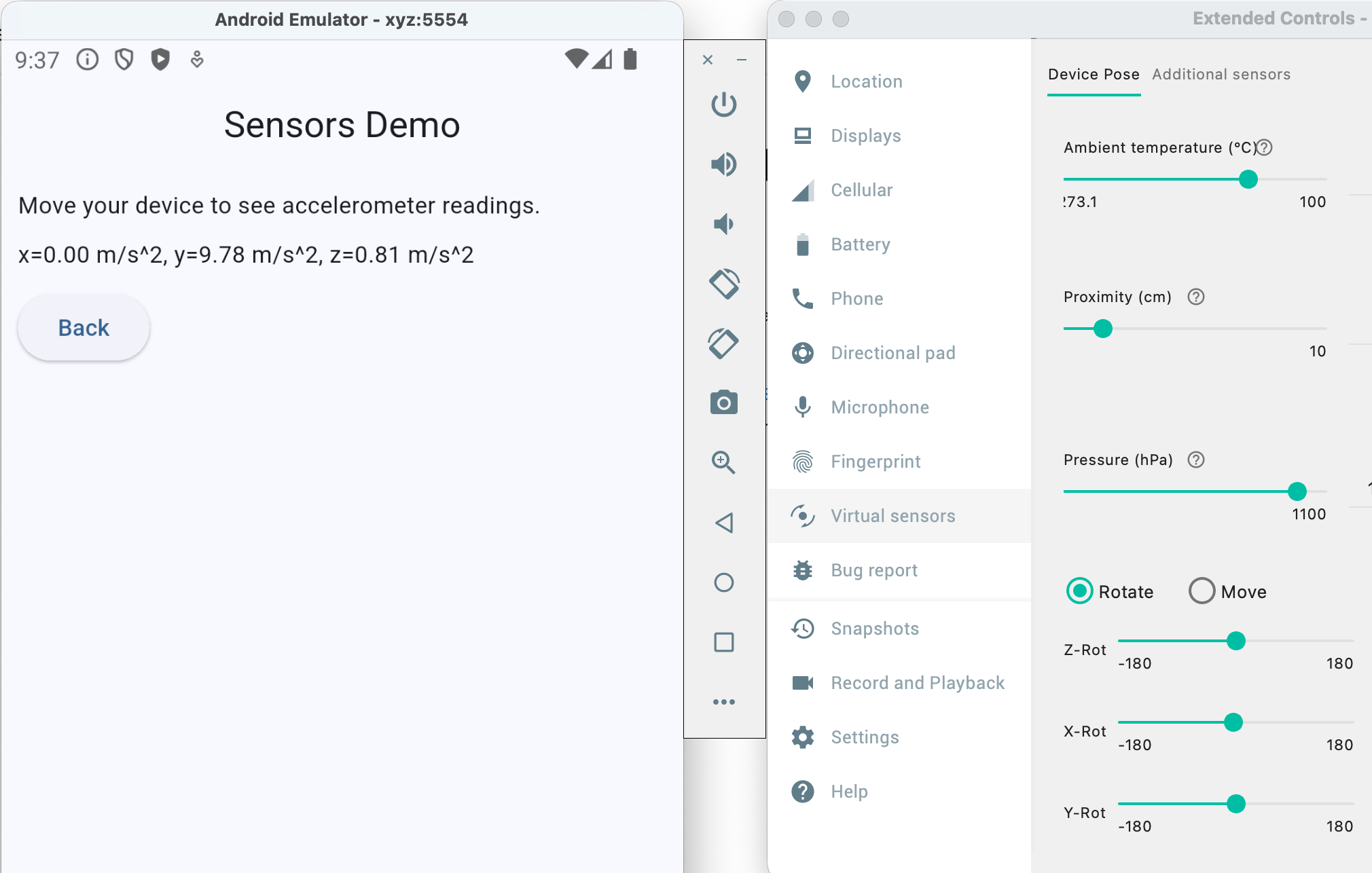
Testing in the Android emulator is especially convenient, as it allows you to experiment with virtually all available sensors:
Services API
Previously, some services were exposed as page properties, such as page.clipboard or page.shared_preferences.
All services are now standalone and should be used by creating their own instances. For example:
clipboard = ft.Clipboard()
await clipboard.set("Hello, world!")
or simply:
await ft.Clipboard().set("Hello, world!")
When you create a new instance of a service, it is automatically registered within the page and disposed of when it is no longer referenced - for example, at the end of a method call.
However, if you need to assign an event handler to a service that must persist across method calls, you must keep a reference to that service to prevent it from being disposed.
In an imperative Flet app, you can use the page.services list, which holds service instances. For example:
async def main(page: ft.Page):
    battery = ft.Battery()
    page.services.append(battery)  # need to keep a reference to the service

    async def on_state_change(e: ft.BatteryStateChangeEvent):
        print(f"State changed: {e.state}")

    battery.on_state_change = on_state_change

    ...
In a declarative Flet app, you can use the use_ref or use_state hook to hold a service reference. For example:
import flet as ft

@ft.component
def App():
    async def on_state_change(e: ft.BatteryStateChangeEvent):
        print(f"State changed: {e.state}")

    ft.use_ref(lambda: ft.Battery(on_state_change=on_state_change))

    return ft.Text("Battery status app")

ft.run(lambda page: page.render(App))
That's all for today, folks! Happy Fletting!